
A custom portable deployment and a feedback-led engineering collaboration helped an unattended campus-printing platform handle real-world printer and PDF edge cases as it expanded nationwide. This story explains what the company needed, how the teams worked together, and what Vector Print Engine reports today.
At a glance
| Customer | Vector Print Engine |
|---|---|
| Legal entity | Guangzhou Vector Print Engine Technology Co., Ltd. |
| Location | Guangzhou, China |
| Workflow | Electron-based Windows software for unattended campus self-service printing |
| fCoder solution | 2Printer in a custom portable, developer-licensed deployment |
* Figures and descriptions reported by Vector Print Engine in October 2026.
A campus workflow that could not depend on an operator
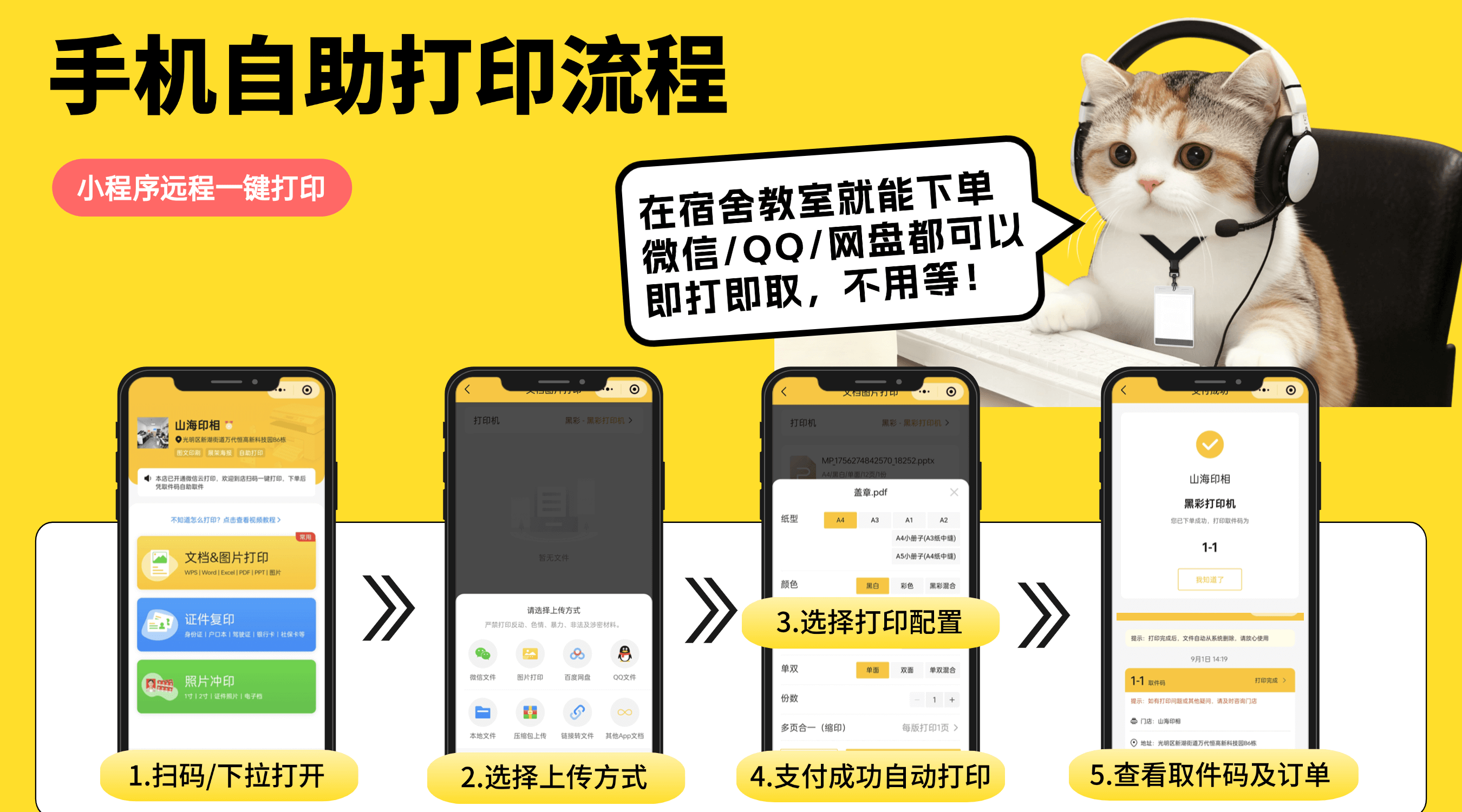
Vector Print Engine builds a smart campus printing platform. Students use its Windows kiosks to send documents for printing. The kiosks work without a full-time operator, so the print process must be simple and reliable. The platform serves university copy centers and print shops in China. The platform also uses mobile WeChat mini-programs for ordering.
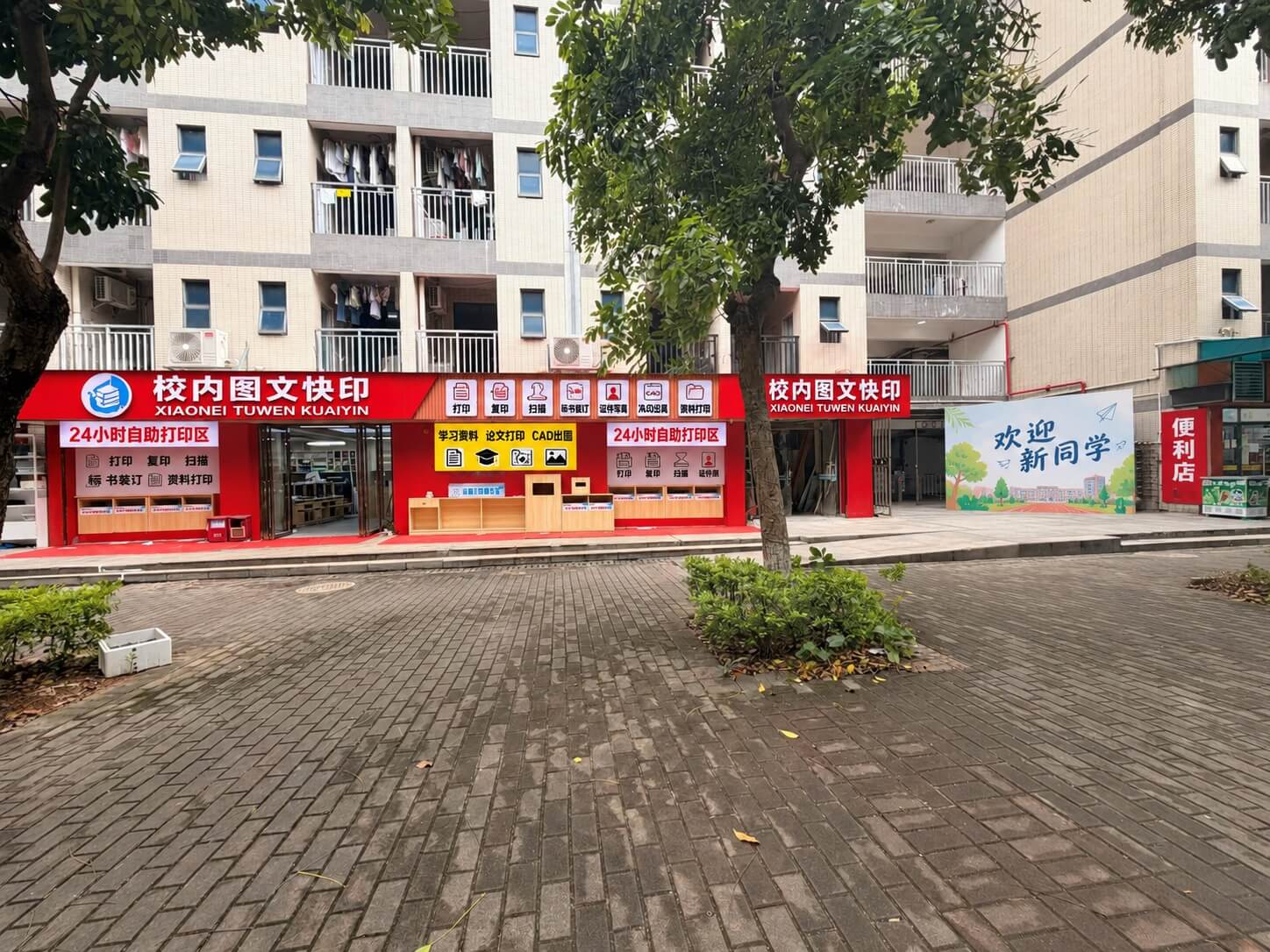
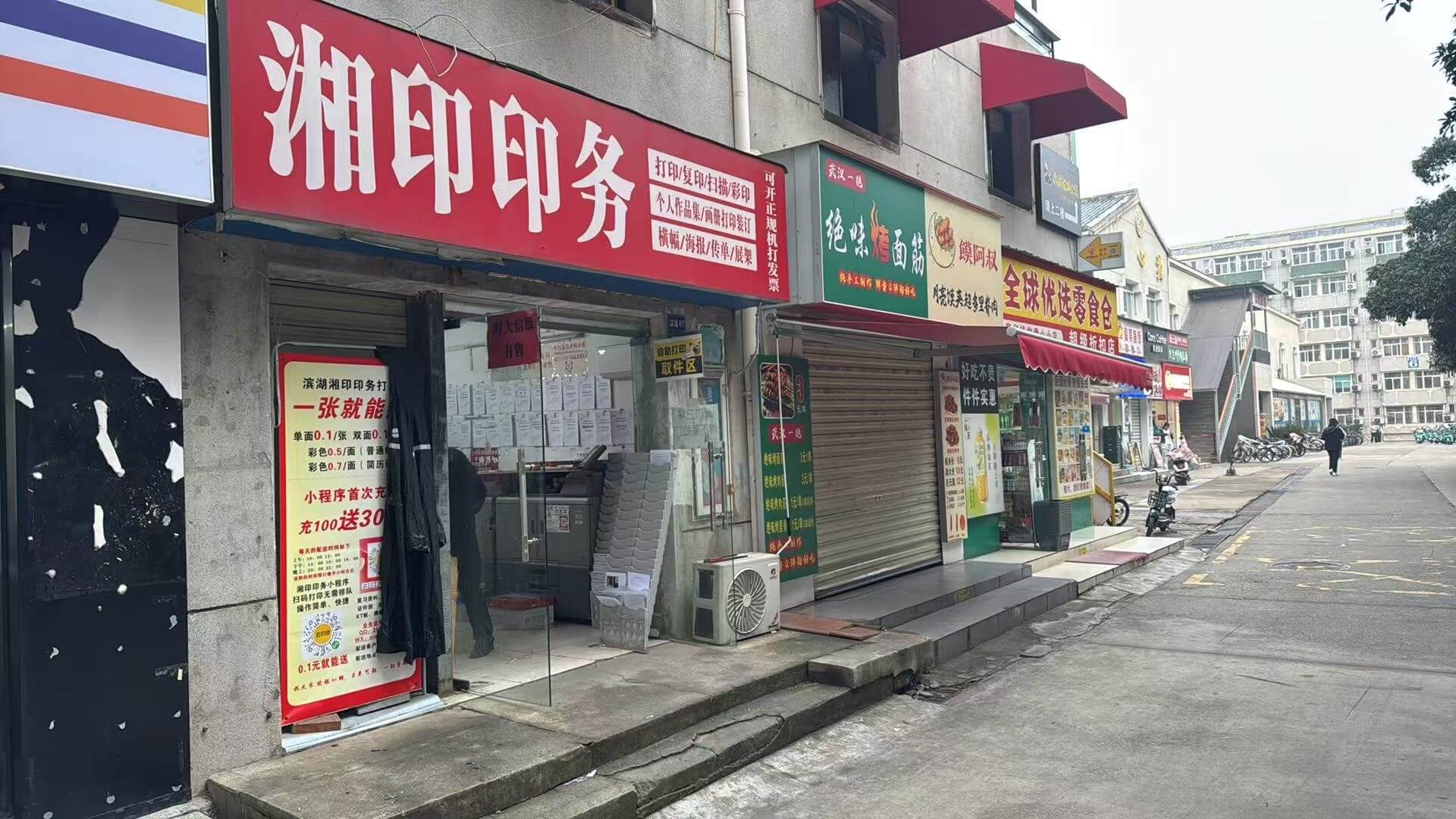
When the team first contacted fCoder in December 2025, it reported 230 locations, including 210 university-campus locations, and more than 20,000 print orders per day. The platform had to distribute a print engine inside an Electron application, deploy it without interactive installation or manual activation, and keep the experience responsive for students waiting at a kiosk.
One order could include A4 and A3 documents, color and black-and-white pages, one-sided and two-sided printing, N-up printing, and booklets. The kiosks also used different printers, drivers, Windows computers, and PDF files.
Turning deployment and queue behavior into an engineered workflow
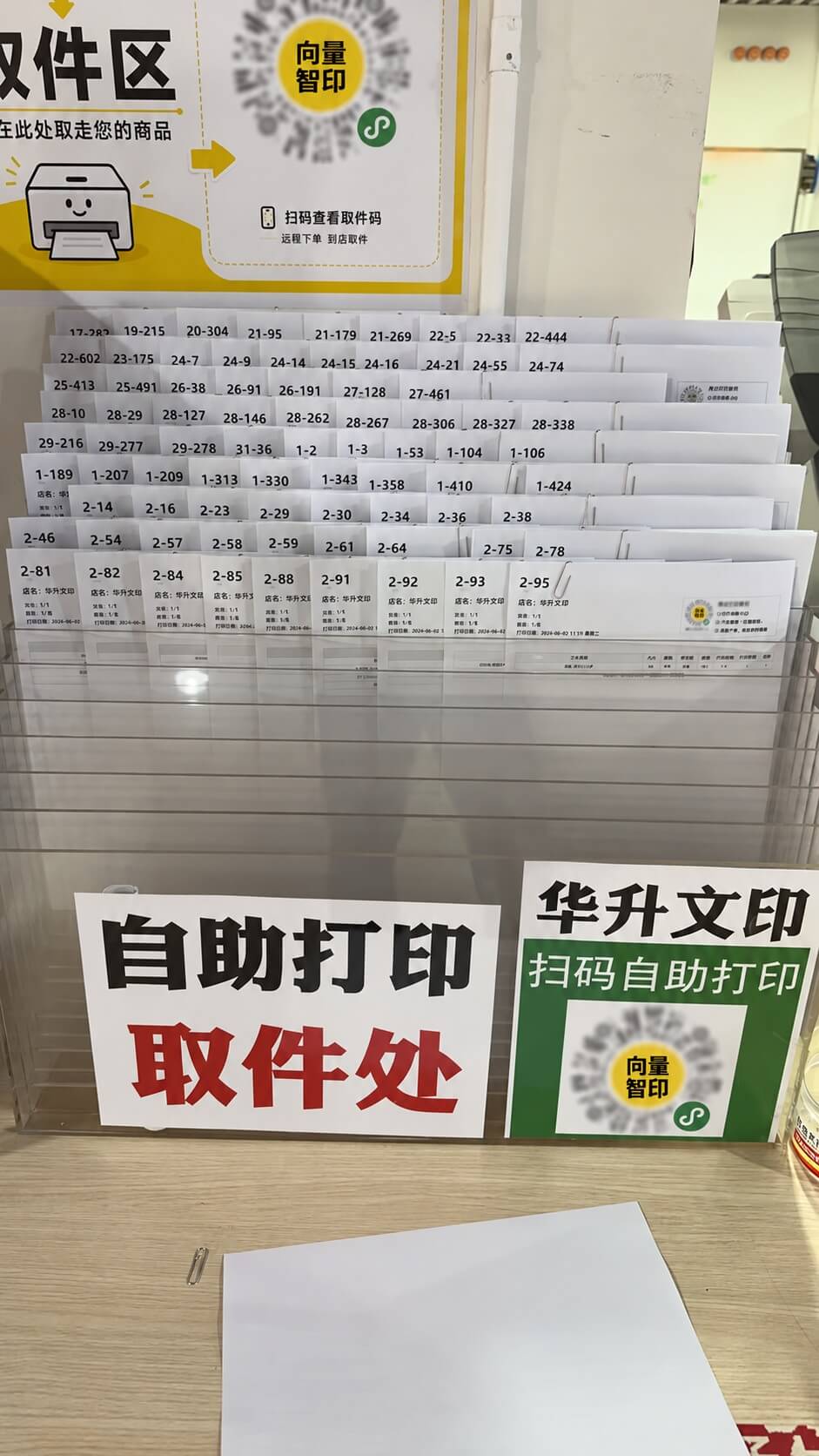
The teams began with a portable 2Printer package configured for unattended deployment. That removed the need for a standard installer at every kiosk and allowed Vector Print Engine to keep important defaults consistent across the fleet, including quiet operation and settings that avoid unnecessary printer discovery.
The teams also worked on print speed. Vector Print Engine observed a noticeable cold-start delay at some stores before a job reached the Windows queue. Together, the teams identified where one print job could reduce repeated startup work and where it could not. Whether a printer could change color or two-sided settings within one job depended on its driver. Vector Print Engine then implemented sorting and batching logic in its Electron application, grouping compatible files while preserving separate handling for mixed settings.
Building for the documents students actually print
The collaboration continued through field reports, diagnostic logs, sample PDFs, and step-by-step testing in live stores. The customer-specific work included N-up printing, booklet options, printing from file lists, removing page frames, and adding blank pages when needed. XML attachments were excluded to prevent unintended material from entering the queue.
PDF compatibility was another practical part of the solution. Different PDF engines produced different trade-offs across real documents and printers: a route that improved one difficult file could affect text quality, speed, or an advanced layout mode elsewhere. Rather than presenting one engine as a universal answer, the final deployment gave the platform a controlled way to select processing paths for different cases, supported by compatibility checks and fallbacks.
This feedback loop also produced targeted builds for issues found in the field, including a list-file printing fix, improved handling for selected complex PDFs, and a print-job-name option for order identification without requiring a single-print-job workflow.
From pilot validation to a production standard
| Time | Milestone |
|---|---|
| Dec 2025 | Vector Print Engine begins integrating 2Printer into its Electron-based kiosk platform and moves to a custom portable deployment. |
| Mar–Apr 2026 | The teams validate layout, list-file, batching, and PDF-handling improvements. A field pilot in 6–8 stores processed about 3,000 documents per day with no reported abnormalities during the observation period. |
| Jun 2026 | During a peak period, Vector Print Engine reported 30,000–40,000 orders a day and continued to refine its engine choices around real printer fleets. |
| Oct 2026 | Vector Print Engine adopted Build 120-b50 as its production standard after confirming that its core operational requirements were met. |
In October 2026, Vector Print Engine reported that, in 10+ months since adopting the solution, its platform had expanded to more than 8,000 campus printing service points across China. Its software was live across hundreds of high-volume campus flagship stores, processing tens of thousands of orders daily, with overwhelmingly positive feedback from store owners and students.
Customer perspective
“I would like to express our deepest gratitude to you and the fCoder team. Your patience, world-class technical expertise, and continuous dedication over the past few months—from integrating the Aspose component to delivering customized features—have been truly extraordinary. You have been an invaluable partner in helping our self-service printing network grow.”
About Vector Print Engine

Founded in 2023, Guangzhou Vector Print Engine Technology Co., Ltd. is a pioneer in smart, unattended campus printing infrastructure in China. The company powers an IoT-enabled platform across hundreds of universities, delivering fast, automated, zero-touch printing to millions of students with industrial-grade reliability.
For inquiries from hardware manufacturers, industry peers, and potential investors, contact Weihao Li at myliweihao@gmail.com.